PX to REM Converter
Convert pixels to REM units for responsive CSS design
Result:
1 rem
Quick Reference (Base: 16px)
CSS Code:
/* Instead of: */
font-size: 16px;

/* Use: */
font-size: 1rem;
Why Use REM Instead of PX?
- ✅ Accessibility: Respects user's browser font size settings
- ✅ Responsive Design: Scales proportionally across devices
- ✅ Maintainability: Change base font size to scale entire design
- ✅ Best Practice: Recommended by modern CSS standards
Understanding PX to REM Conversion
REM (Root EM) is a CSS unit relative to the root element's font size. By default, browsers set the root font size to 16px, making 1rem = 16px.
Conversion Formula
REM = Pixels ÷ Base Font Size (usually 16)Common Use Cases
- Font Sizes: Use REM for all typography
- Spacing: Margins and padding scale with font size
- Layout: Container widths and heights
- Media Queries: Responsive breakpoints
PX vs REM vs EM
- PX: Absolute unit, doesn't scale
- REM: Relative to root font size
- EM: Relative to parent element font size
✅ Best Practice:
Use REM for font sizes and spacing, PX for borders and small details, and % or viewport units for layout widths.
Related Conversion & Utility Tools
Handpicked utility tools from the same category that you might find useful.
Image to PDF Converter
Convert images to PDF documents
PDF to Image Converter
Convert PDF pages to image files
Convert Case Online
Instantly convert text case: Uppercase, Lowercase, Title Case & more.
JPG to PNG Converter
Convert JPG to PNG transparent format instantly
PNG to JPG Converter
Convert PNG to JPG format instantly for smaller file sizes
PDF Compressor
Compress PDF files online for free. Reduce PDF size significantly
Related Articles
Insights and guides to help you make the most of our tools.
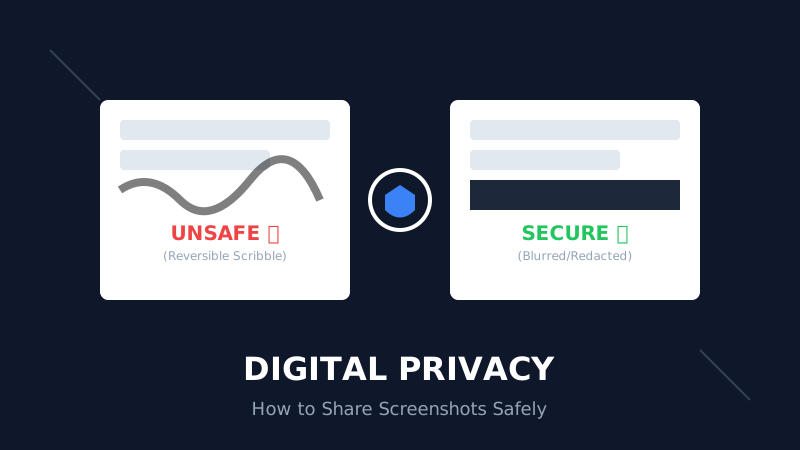
The Digital Privacy Handbook: How to Safely Share Screenshots Without Leaking Personal Data
That 'swirl' you drew over your bank details? It's not hiding anything. Learn why standard markup tools fail and how to properly redact sensitive info before sharing online.
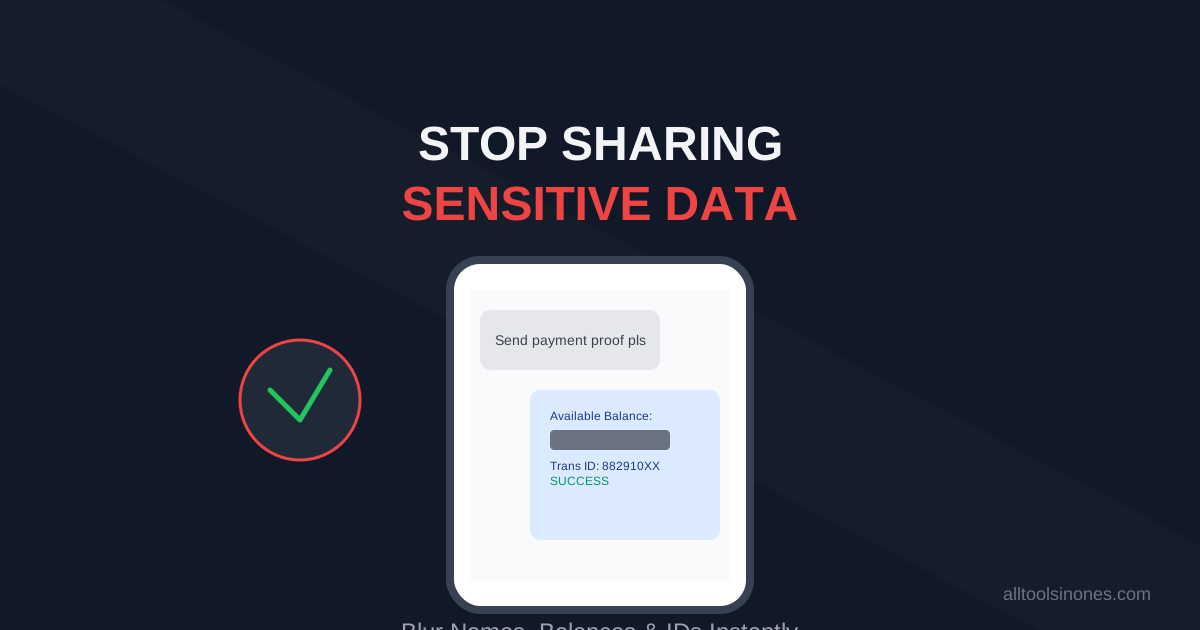
How to Blur Text in Screenshots Before Sharing (Stop Leaking Your Data)
Sending a payment screenshot or an email thread? Stop! You might be exposing your bank balance, address, or passwords. Learn how to securely blur text in images online in 5 seconds.
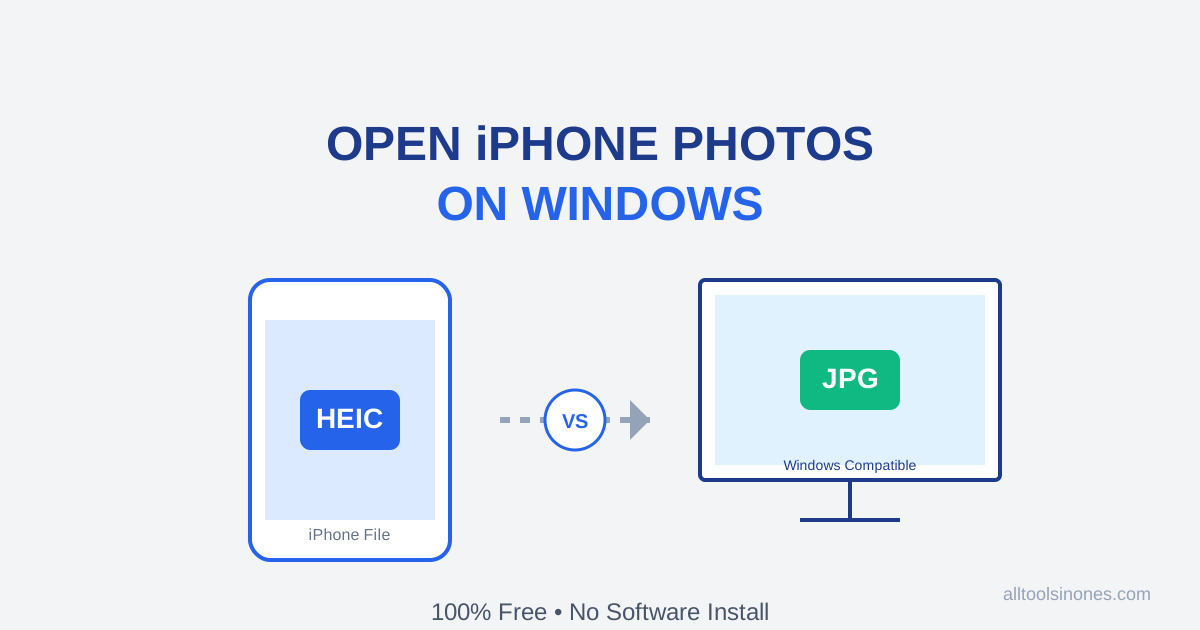
How to Open iPhone Photos (HEIC) on Windows 10/11 for Free (Don't Buy the $0.99 Extension)
Transferred photos from iPhone to PC and can't open them? Windows wants you to pay $0.99 for a HEIC codec. Don't do it. Here is the fast, free, and secure way to convert HEIC to JPG instantly.