Lorem Ipsum Generator
5 Paragraphs of Placeholder Text
Generated Text (5 Paragraphs)
Lorem ipsum dolor sit amet, consectetur adipiscing elit. Sed do eiusmod tempor incididunt ut labore et dolore magna aliqua. Ut enim ad minim veniam, quis nostrud exercitation ullamco laboris nisi ut aliquip ex ea commodo consequat. Duis aute irure dolor in reprehenderit in voluptate velit esse cillum dolore eu fugiat nulla pariatur.
Excepteur sint occaecat cupidatat non proident, sunt in culpa qui officia deserunt mollit anim id est laborum. Sed ut perspiciatis unde omnis iste natus error sit voluptatem accusantium doloremque laudantium, totam rem aperiam, eaque ipsa quae ab illo inventore veritatis et quasi architecto beatae vitae dicta sunt explicabo.
Nemo enim ipsam voluptatem quia voluptas sit aspernatur aut odit aut fugit, sed quia consequuntur magni dolores eos qui ratione voluptatem sequi nesciunt. Neque porro quisquam est, qui dolorem ipsum quia dolor sit amet, consectetur, adipisci velit, sed quia non numquam eius modi tempora incidunt ut labore et dolore magnam aliquam quaerat voluptatem.
Ut enim ad minima veniam, quis nostrum exercitationem ullam corporis suscipit laboriosam, nisi ut aliquid ex ea commodi consequatur. Quis autem vel eum iure reprehenderit qui in ea voluptate velit esse quam nihil molestiae consequatur, vel illum qui dolorem eum fugiat quo voluptas nulla pariatur.
At vero eos et accusamus et iusto odio dignissimos ducimus qui blanditiis praesentium voluptatum deleniti atque corrupti quos dolores et quas molestias excepturi sint occaecati cupiditate non provident, similique sunt in culpa qui officia deserunt mollitia animi, id est laborum et dolorum fuga. Et harum quidem rerum facilis est et expedita distinctio.
What is Lorem Ipsum?
Lorem Ipsum is placeholder text used in the design and publishing industry. It's been the standard dummy text since the 1500s, allowing designers to focus on layout without being distracted by readable content.
Why Use Lorem Ipsum?
- Design Focus: Prevents distraction from actual content
- Realistic Layout: Shows how text will look in final design
- Client Presentations: Professional mockups without final copy
- Testing: Test typography, spacing, and readability
- Industry Standard: Universally recognized placeholder
Common Use Cases
- Website Mockups: Fill content areas during design phase
- Print Design: Magazines, brochures, posters
- App Prototypes: Mobile and web app wireframes
- Presentations: Slide decks and pitch materials
- Typography Testing: Font selection and sizing
History of Lorem Ipsum
Lorem Ipsum comes from sections 1.10.32 and 1.10.33 of "de Finibus Bonorum et Malorum" (The Extremes of Good and Evil) by Cicero, written in 45 BC. It's been used as placeholder text since the 1960s.
💡 Pro Tip:
Use Lorem Ipsum for initial designs, but replace with real content before final review. Real content often has different length and structure!
Alternatives to Lorem Ipsum
- Bacon Ipsum: Meat-themed placeholder text
- Hipster Ipsum: Trendy, hipster-style text
- Cupcake Ipsum: Sweet-themed placeholder
- Real Content: Use actual draft copy when available
Best Practices
- Use Lorem Ipsum only for visual design, not final products
- Replace with real content before client approval
- Match paragraph length to expected real content
- Test with both short and long text variations
- Don't rely on Lorem Ipsum for content strategy
✅ Perfect For:
Wireframes | Mockups | Design presentations | Typography testing | Layout planning
Related Conversion & Utility Tools
Handpicked utility tools from the same category that you might find useful.
Image to PDF Converter
Convert images to PDF documents
PDF to Image Converter
Convert PDF pages to image files
Convert Case Online
Instantly convert text case: Uppercase, Lowercase, Title Case & more.
JPG to PNG Converter
Convert JPG to PNG transparent format instantly
PNG to JPG Converter
Convert PNG to JPG format instantly for smaller file sizes
PDF Compressor
Compress PDF files online for free. Reduce PDF size significantly
Related Articles
Insights and guides to help you make the most of our tools.
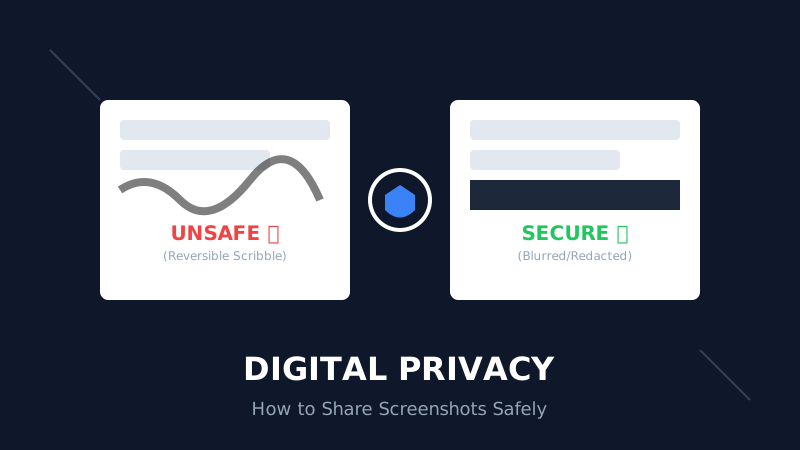
The Digital Privacy Handbook: How to Safely Share Screenshots Without Leaking Personal Data
That 'swirl' you drew over your bank details? It's not hiding anything. Learn why standard markup tools fail and how to properly redact sensitive info before sharing online.
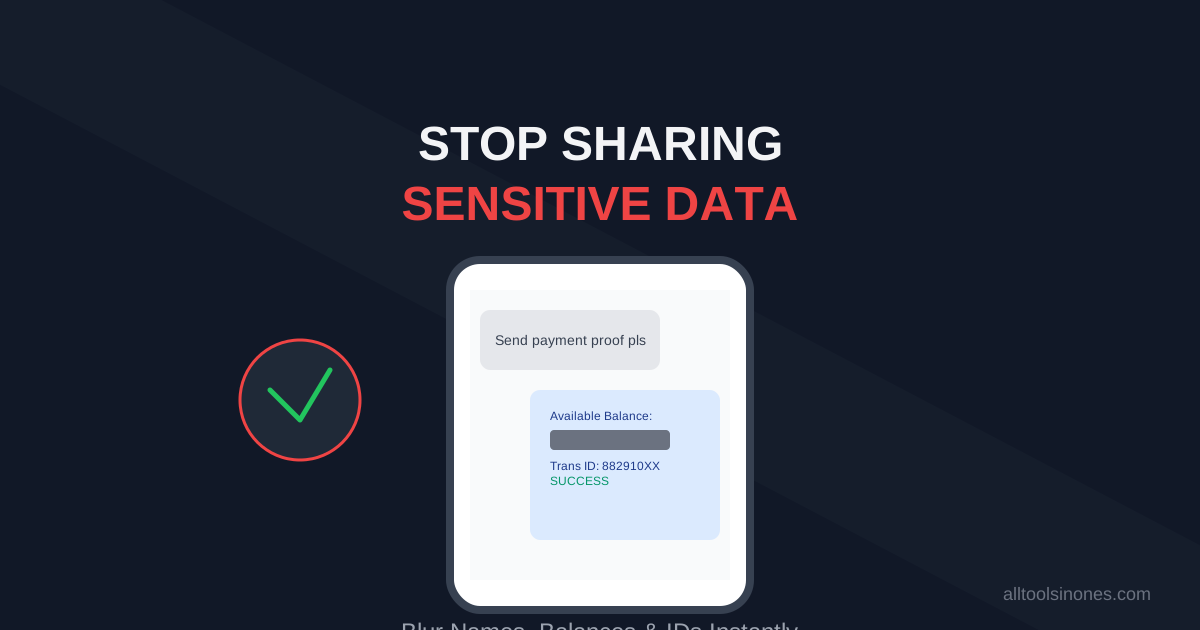
How to Blur Text in Screenshots Before Sharing (Stop Leaking Your Data)
Sending a payment screenshot or an email thread? Stop! You might be exposing your bank balance, address, or passwords. Learn how to securely blur text in images online in 5 seconds.
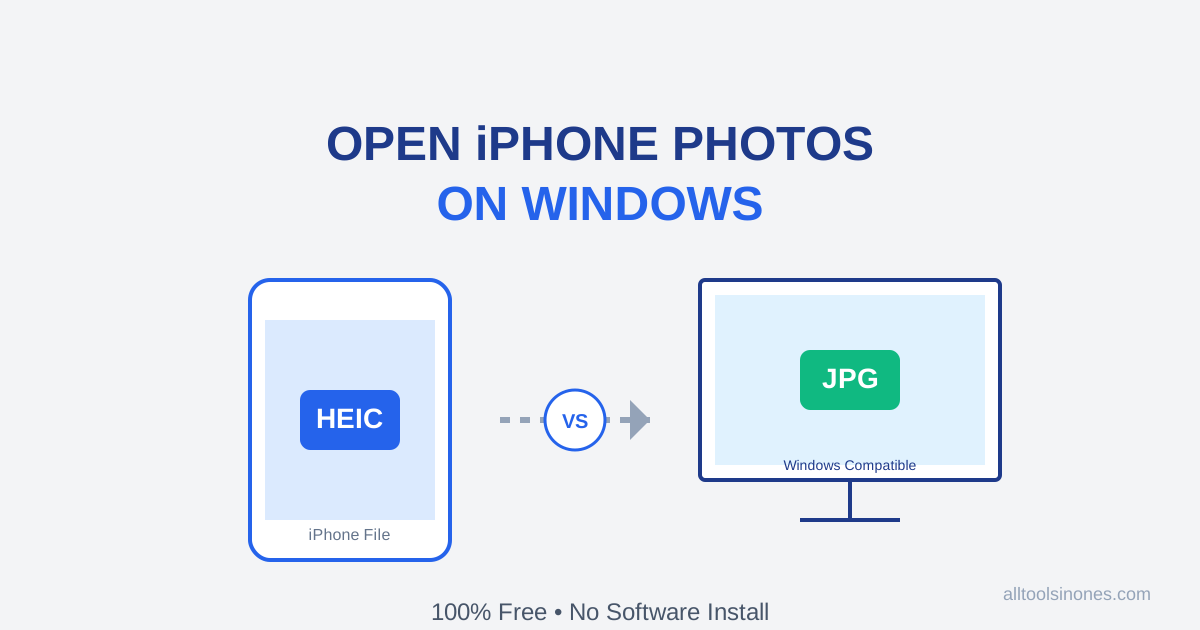
How to Open iPhone Photos (HEIC) on Windows 10/11 for Free (Don't Buy the $0.99 Extension)
Transferred photos from iPhone to PC and can't open them? Windows wants you to pay $0.99 for a HEIC codec. Don't do it. Here is the fast, free, and secure way to convert HEIC to JPG instantly.