Compress Image to 20KB
Compress JPG, PNG, and WebP images instantly. Reduce file size without losing visible quality.
Drop your image here
Support JPG, PNG, WebP. Max 50MB.
Where 20KB Image Size is Required
- 💳PAN Card: Photo and signature upload (NSDL/UTIITSL)
- 📝SSC Exams: CGL, CHSL, MTS, GD photo uploads
- 🎓UPSC Forms: Civil Services, NDA, CDS applications
- 🏛️State Govt: Various state PSC and govt portals
Compress Images to Exactly 20KB for PAN Card & Govt Forms
PAN card applications and many competitive exam portals require photo uploads with a strict maximum file size of 20KB. Our free image compressor automatically reduces your photo to exactly 20KB or less while maintaining quality suitable for official documents and ID cards.
Why 20KB Limit is So Common
The 20KB limit is one of the strictest file size requirements:
- PAN Card Standard: NSDL and UTIITSL both enforce 20KB for photos and signatures
- Database Efficiency: Smaller files for millions of records
- Printing Quality: 20KB is sufficient for ID card printing
- Upload Speed: Faster uploads on slow internet connections
- Server Load: Reduces strain on government servers
⚠️ Critical Error to Avoid:
"File size exceeds 20KB" - This error stops your PAN card or exam application. Always compress BEFORE uploading to avoid rejection and delays!
Government Forms That Require 20KB Photos
PAN Card Applications:
- New PAN card application (Form 49A)
- PAN card correction/update
- PAN card reprint request
- Minor's PAN card application
- NRI PAN card application
SSC Examinations:
- SSC CGL (Combined Graduate Level)
- SSC CHSL (Combined Higher Secondary Level)
- SSC MTS (Multi-Tasking Staff)
- SSC GD Constable
- SSC JE (Junior Engineer)
UPSC Examinations:
- UPSC Civil Services (IAS/IPS/IFS)
- UPSC NDA (National Defence Academy)
- UPSC CDS (Combined Defence Services)
- UPSC CAPF (Central Armed Police Forces)
- UPSC Engineering Services
Other Applications:
- Some scholarship portals
- State PSC examinations
- Certain university admissions
- Government job applications
How to Use This Tool
- Upload your photo (any size, JPG/PNG)
- Tool automatically compresses to 20KB or less
- Preview compressed image quality
- Download for your application
- Upload to PAN portal or exam form without errors
💡 Expert Tip:
For PAN card, you need TWO files under 20KB: your photo (200×230 pixels) AND your signature (200×80 pixels). Compress both separately using this tool!
PAN Card Specific Requirements
For PAN card applications, along with 20KB limit:
- Photo: 200×230 pixels, under 20KB, JPG format
- Signature: 200×80 pixels, under 20KB, JPG format
- Background: White or very light color
- Recent: Photo taken within last 3 months
- Clear: No blur, shadows, or filters
Tips for Best Quality at 20KB
- Start Small: Begin with correct dimensions (e.g., 200×230 for PAN)
- Plain Background: White backgrounds compress better
- Good Lighting: Well-lit photos need less compression
- No Filters: Avoid Instagram-style filters (increase file size)
- JPG Format: Use JPG, not PNG (PNG files are larger)
- Crop Tightly: Remove unnecessary background space
Common Mistakes That Increase File Size
❌ Avoid These:
- Using PNG format instead of JPG
- Taking photo with too high resolution
- Colored or patterned backgrounds
- Including too much background space
- Using photo editing filters
- Saving at maximum quality settings
What Happens If You Exceed 20KB?
- Upload fails immediately with error message
- Cannot proceed with form submission
- May miss application deadline
- Need to retake or recompress photo
- Wastes time, especially during last-minute applications
20KB vs Other File Size Limits
Understanding different government portal limits:
- 20KB: PAN card, SSC, UPSC (strictest)
- 50KB: Railway exams, banking exams
- 100KB: Some university applications
- 200KB: Passport applications
- 300KB: Some visa applications
✅ Perfect for 20KB Requirements:
Under 20KB | Correct dimensions | JPG format | White background | Clear and recent
How Aggressive Compression Works
To achieve 20KB, our tool:
- Reduces Quality: Lowers JPG quality to 60-75%
- Optimizes Encoding: Uses efficient compression algorithms
- Removes Metadata: Strips EXIF data and thumbnails
- Smart Compression: Preserves face clarity while compressing background
- Maintains Acceptability: Ensures photo is still acceptable for official use
Troubleshooting Guide
Photo looks too pixelated after compression?
- Use a higher quality original photo
- Ensure proper lighting when taking photo
- Start with exact required dimensions
- Use plain white background
Can't get under 20KB even after compression?
- Reduce dimensions slightly (e.g., 190×220 instead of 200×230)
- Crop more tightly around face
- Ensure background is pure white
- Remove any borders or frames
- Convert PNG to JPG first
PAN Card Application Checklist
Before submitting your PAN application:
- ✅ Photo: 200×230 pixels, under 20KB
- ✅ Signature: 200×80 pixels, under 20KB
- ✅ Both in JPG format
- ✅ White background for both
- ✅ Recent photo (within 3 months)
- ✅ Clear signature (black/blue ink)
- ✅ All documents scanned and ready
SSC/UPSC Photo Requirements
For competitive exam applications:
- File Size: Under 20KB (strictly enforced)
- Dimensions: Usually 200×230 or 35mm×45mm
- Format: JPG/JPEG only
- Background: White or light-colored
- Attire: Formal dress recommended
- Expression: Neutral, no smile
Why This Tool is Better
- Precise Compression: Targets exactly 20KB
- Quality Preservation: Maintains acceptable quality
- Free Forever: No charges, unlimited use
- Instant Results: Compress in 2-3 seconds
- Privacy Safe: All processing in your browser
- Works Offline: No internet needed after loading
- Mobile Friendly: Works on all devices
Related Conversion & Utility Tools
Handpicked utility tools from the same category that you might find useful.
Image to PDF Converter
Convert images to PDF documents
PDF to Image Converter
Convert PDF pages to image files
Convert Case Online
Instantly convert text case: Uppercase, Lowercase, Title Case & more.
JPG to PNG Converter
Convert JPG to PNG transparent format instantly
PNG to JPG Converter
Convert PNG to JPG format instantly for smaller file sizes
PDF Compressor
Compress PDF files online for free. Reduce PDF size significantly
Related Articles
Insights and guides to help you make the most of our tools.
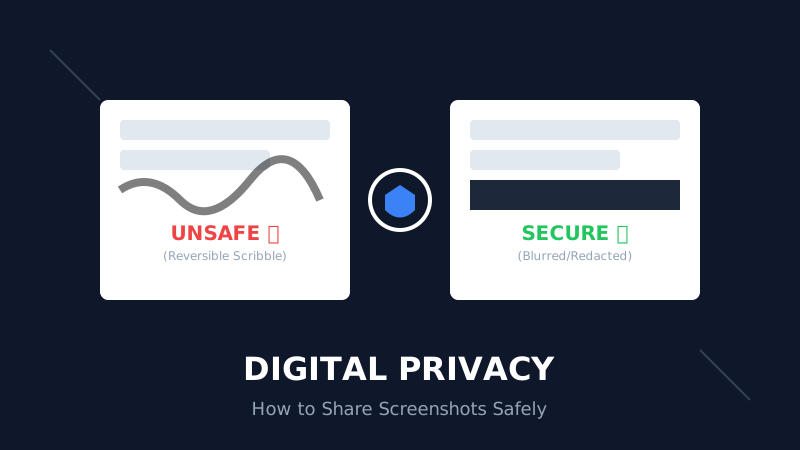
The Digital Privacy Handbook: How to Safely Share Screenshots Without Leaking Personal Data
That 'swirl' you drew over your bank details? It's not hiding anything. Learn why standard markup tools fail and how to properly redact sensitive info before sharing online.
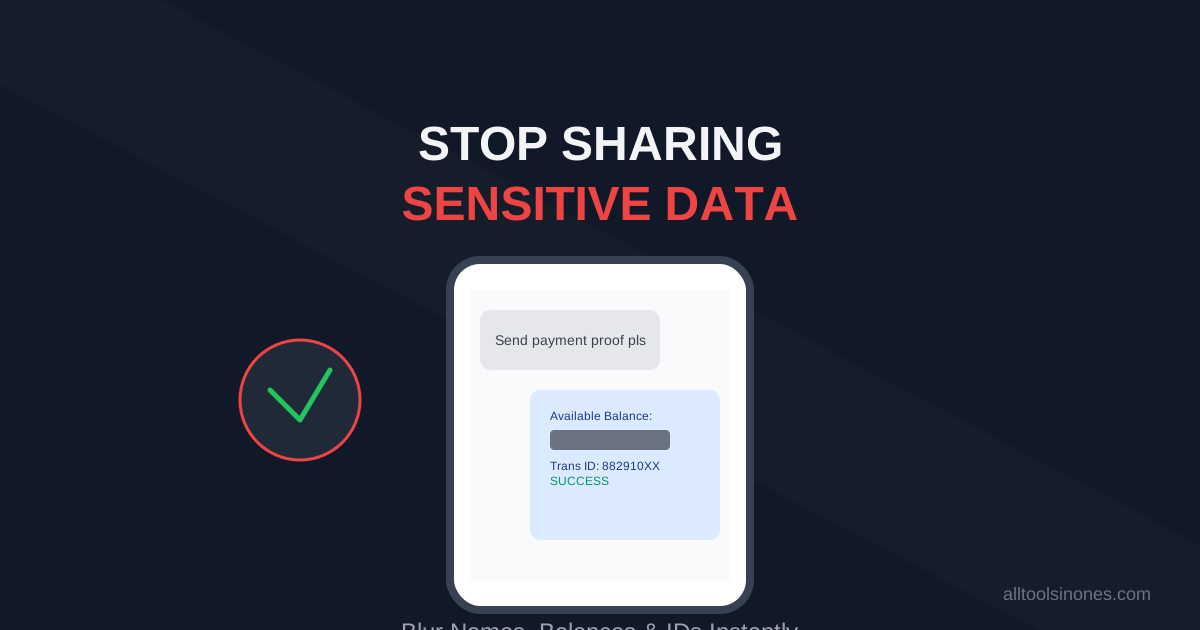
How to Blur Text in Screenshots Before Sharing (Stop Leaking Your Data)
Sending a payment screenshot or an email thread? Stop! You might be exposing your bank balance, address, or passwords. Learn how to securely blur text in images online in 5 seconds.
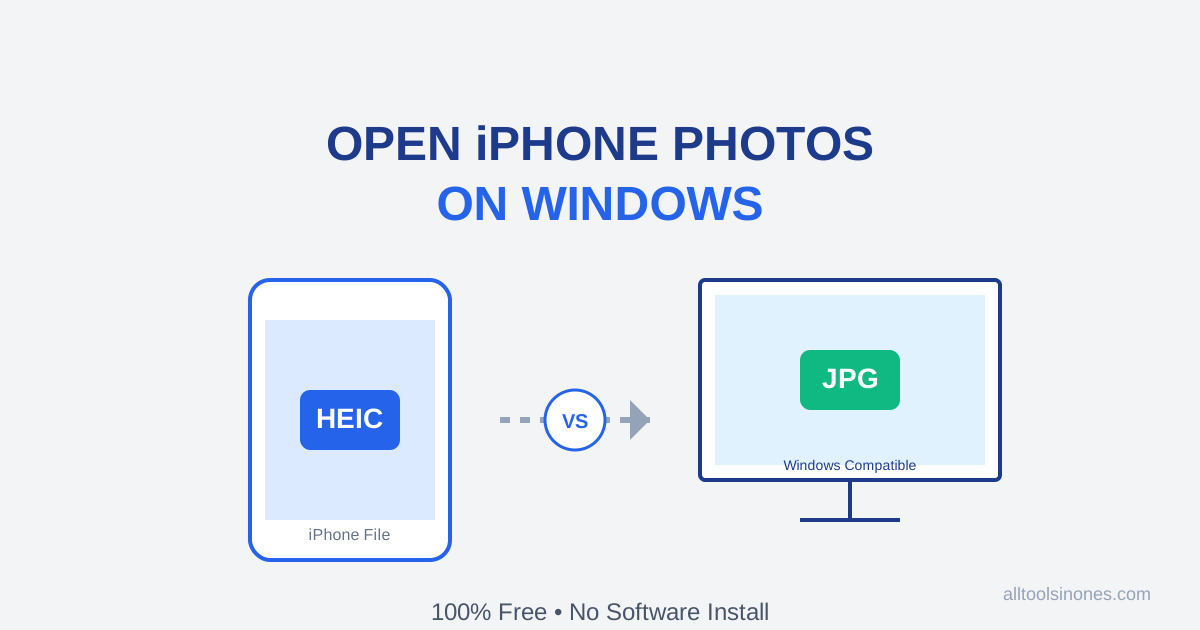
How to Open iPhone Photos (HEIC) on Windows 10/11 for Free (Don't Buy the $0.99 Extension)
Transferred photos from iPhone to PC and can't open them? Windows wants you to pay $0.99 for a HEIC codec. Don't do it. Here is the fast, free, and secure way to convert HEIC to JPG instantly.