AZW3 to EPUB Converter
Convert Kindle AZW3 files to standard EPUB format instantly for free.
Drop AZW3 file here
or click to browse
Supports .azw3 (Kindle) files. DRM-protected files are not supported.
🔒 All processing happens in your browser. No data is sent to our servers.
AZW3 to EPUB Converter
If you are an avid reader, you have likely encountered the frustration of format incompatibility. You buy a book on Amazon, but you want to read it on your iPad, Kobo, or Nook. Or perhaps you want to back up your library in a format that isn't locked to a single ecosystem. This is where our AZW3 to EPUB Converter comes in.
AZW3 files are great for Kindle, but they are a walled garden. EPUB, on the other hand, is the MP3 of the book world—universally accepted and open. Our tool empowers you to liberate your library, converting your Kindle books into the standard EPUB format quickly, privately, and for free.
What Is AZW3 File Format?
**AZW3**, technically known as **Kindle Format 8 (KF8)**, is the successor to the older MOBI format. It was introduced by Amazon with the Kindle Fire tablet. Under the hood, it is essentially a compiled HTML5 and CSS3 website wrapped in a database container.
AZW3 vs MOBI vs EPUB
- **MOBI:** The ancient format. Supports very basic formatting. No custom fonts, no complex layouts.
- **AZW3:** Modern and capable. Supports embedded fonts, scalable vector graphics (SVG), and complex tables.
- **EPUB:** Identical in capability to AZW3, but it is an open standard maintained by the W3C (World Wide Web Consortium).
Why Amazon Uses AZW3
Amazon uses AZW3 to control the user experience and, more importantly, the ecosystem. By using a proprietary format, they ensure that books bought on Amazon are best experienced on Kindle devices. It also allows them to implement their own DRM (Digital Rights Management) schemes easily.
Compatibility Limitations Explained
If you try to open an AZW3 file on an iPhone (Apple Books), a Kobo e-reader, or a standard PC reader like Calibre, you might run into issues. Most non-Amazon readers simply do not support the format. This makes your purchased content feel "locked" to a device you might not want to use forever.
What Is EPUB Format?
**EPUB (Electronic Publication)** is the global standard for digital books. Think of it as the "PDF for reflowable text."
Why EPUB Works on Most Devices
EPUB separates form from content. This means the text automatically adjusts ("reflows") to fit your screen, whether it is a tiny smartphone or a massive desktop monitor. You can change font sizes, background colors, and margins easily. Because it is an open standard, developers everywhere have built support for it.
EPUB Support Across Platforms
- **iOS/Mac:** Native support in Apple Books.
- **Android:** Native support in Google Play Books and Moon+ Reader.
- **Windows:** Supported by Edge (legacy), Calibre, and Freda.
- **E-readers:** Kobo, Nook, Onyx Boox, and PocketBook all use EPUB as their primary format.
How AZW3 to EPUB Converter Works
Client-Side Ebook Conversion Explained
Converting ebook formats is complex. Usually, servers do the heavy lifting using software like Calibre. However, our tool is unique. We have engineered a conversion engine that runs entirely in JavaScript within your browser. It interprets the binary structure of the AZW3 file, extracts the HTML and CSS components, and repackages them into a valid EPUB zip container.
Why Files Are Never Uploaded
Privacy is critical with reading habits. You might be converting personal documents, manuscripts, or politically sensitive material. Since our converter runs client-side, your files never travel through the internet. They stay on your machine's RAM. This also means you don't need to worry about server limits or wait times.
Benefits of Using AZW3 to EPUB Converter
Privacy and Security
No caching, no tracking, no data harvesting. Your library remains yours. The conversion is as secure as copying a file from one folder to another on your desktop.
Cross-Device Compatibility
Once converted to EPUB, your book becomes device-agnostic. Read it on your iPhone during your commute, continue on your Kobo at home, and reference it on your PC at work. You are no longer tethered to the Kindle ecosystem.
Offline Ebook Access
Because this tool works in the browser and requires no backend, once the page is loaded, you can even go offline (in some configurations) and still convert files. It is the perfect tool for digital nomads or travelers with spotty connections.
DRM Protection and AZW3 Files
What is DRM?
DRM (Digital Rights Management) is encryption that publishers add to files to prevent unauthorized copying. If you bought a book from the Kindle Store, it likely has DRM.
Why DRM-Protected Files Cannot Be Converted
To convert a file, our tool needs to read the text inside. DRM scrambles this text into gibberish that only a registered Kindle can decode. Our tool respects copyright laws and does not include decryption keys. If you load a DRM-protected file, our system will detect the encryption flag and alert you that conversion is not possible.
Common AZW3 to EPUB Conversion Issues and Solutions
- Missing Cover: Sometimes the cover image is stored separately in the Kindle metadata. We try to extract it, but if it is missing, you might see a generic cover.
- Layout Breaking: Kindle books sometimes use non-standard CSS. When converted to strict EPUB, some decorative elements might look simpler. Ideally, the text remains perfectly readable.
- Large File Size: If the original AZW3 had uncompressed images, the resulting EPUB might be large. You can use our PDF Compressor (once converted) to shrink it down later if needed.
Why Use An Online AZW3 to EPUB Converter?
Why install heavy software like Calibre for a quick, one-off task? Our AZW3 to EPUB Converter gives you the same power in a lightweight, web-based package. It is the modern, smart way to manage your digital library.
Related Tools
Related Conversion & Utility Tools
Handpicked utility tools from the same category that you might find useful.
Image to PDF Converter
Convert images to PDF documents
PDF to Image Converter
Convert PDF pages to image files
Convert Case Online
Instantly convert text case: Uppercase, Lowercase, Title Case & more.
JPG to PNG Converter
Convert JPG to PNG transparent format instantly
PNG to JPG Converter
Convert PNG to JPG format instantly for smaller file sizes
PDF Compressor
Compress PDF files online for free. Reduce PDF size significantly
Related Articles
Insights and guides to help you make the most of our tools.
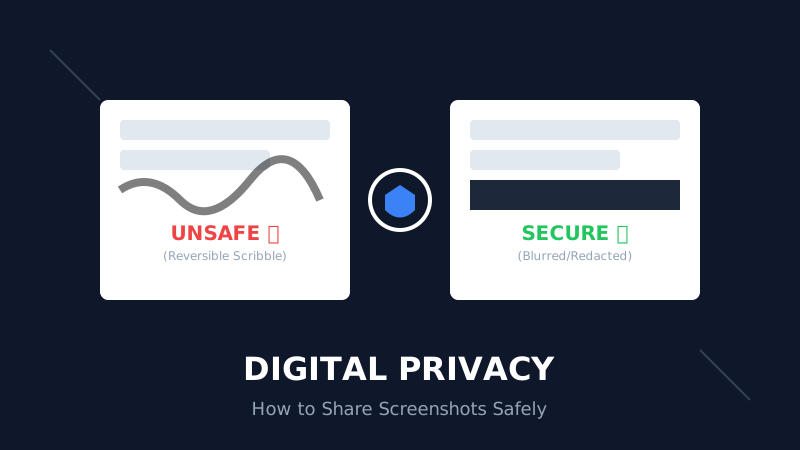
The Digital Privacy Handbook: How to Safely Share Screenshots Without Leaking Personal Data
That 'swirl' you drew over your bank details? It's not hiding anything. Learn why standard markup tools fail and how to properly redact sensitive info before sharing online.
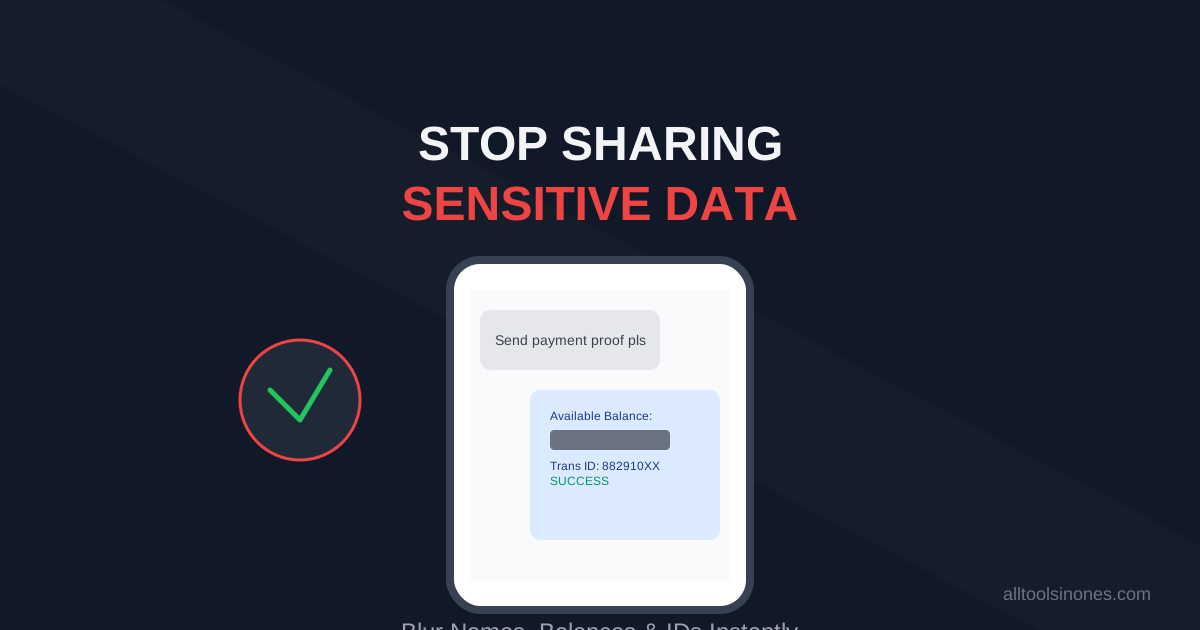
How to Blur Text in Screenshots Before Sharing (Stop Leaking Your Data)
Sending a payment screenshot or an email thread? Stop! You might be exposing your bank balance, address, or passwords. Learn how to securely blur text in images online in 5 seconds.
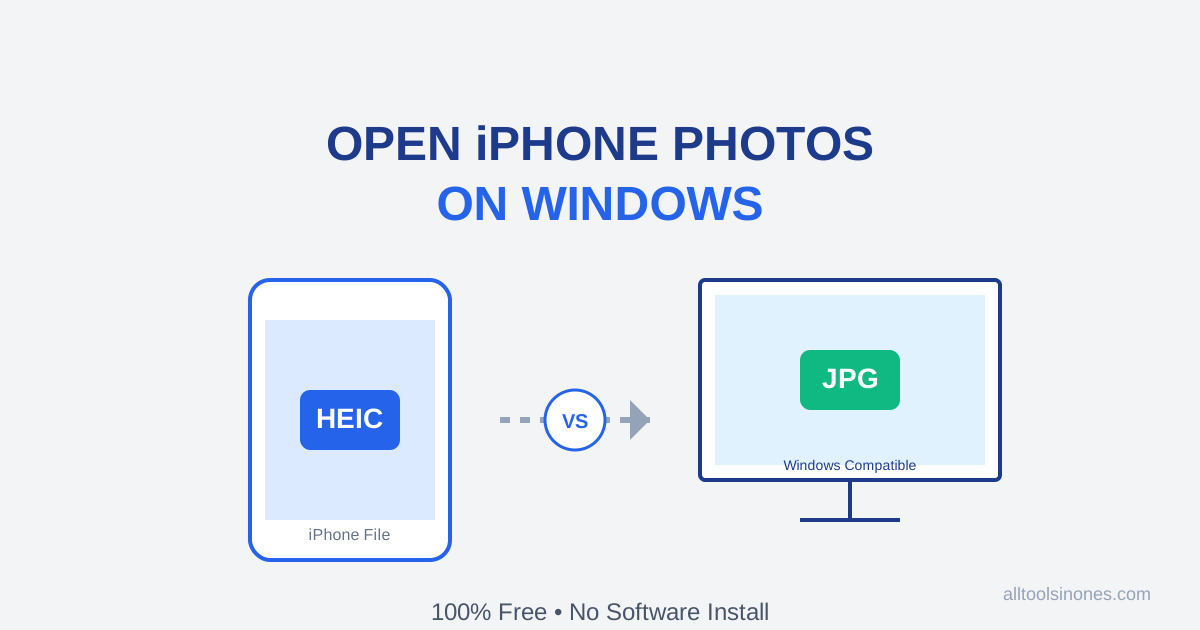
How to Open iPhone Photos (HEIC) on Windows 10/11 for Free (Don't Buy the $0.99 Extension)
Transferred photos from iPhone to PC and can't open them? Windows wants you to pay $0.99 for a HEIC codec. Don't do it. Here is the fast, free, and secure way to convert HEIC to JPG instantly.