YouTube Thumbnail Resizer
Upload an image to crop, resize, and optimize pixel dimensions.
Select Image to Resize
JPG, PNG, WebP supported.
Pro Tips for YouTube Thumbnail Success
- YouTube thumbnails must be 1280x720 pixels for HD display
- Keep file size under 2MB for faster upload
- Use high contrast text for better visibility
- Faces and emotions increase click-through rates by 30%
Why Use This YouTube Thumbnail Resizer?
Getting the perfect thumbnail dimensions is crucial for YouTube success. Our YouTube thumbnail resizer automatically sets your image to exactly 1280 × 720 pixels, ensuring maximum engagement and visibility across all devices.
Key Features
- Instant Preset Loading: Dimensions automatically set to 1280×720px
- No Quality Loss: Advanced algorithms maintain image sharpness
- 100% Free: No watermarks, no sign-up required
- Privacy First: All processing happens in your browser
- Mobile Friendly: Works perfectly on phones and tablets
Optimize for Maximum Engagement
Studies show that properly sized thumbnails get up to 40% more engagement on YouTube. Using the correct 1280x720 dimensions ensures your content displays perfectly across all devices, from desktop computers to mobile phones.
How It Works
- Upload your image using the tool above
- Dimensions are automatically set to 1280 × 720 pixels
- Crop and adjust your thumbnail as needed
- Download instantly - no processing delays
Frequently Asked Questions
What is the recommended size for YouTube thumbnails?
The optimal size is 1280 × 720 pixels (16:9 aspect ratio), which is exactly what this tool provides.
Will my image quality be reduced?
No. We use advanced resizing algorithms that maintain quality while adjusting dimensions.
What file formats are supported?
You can upload JPG, PNG, and WebP images. YouTube accepts JPG, PNG, GIF, and BMP formats.
Do you store my images?
Never. All image processing happens locally in your browser. Your images never leave your device.
Related Image & Media Tools
Handpicked utility tools from the same category that you might find useful.
Screenshot to Text (OCR)
Extract text from images using OCR technology
Image Blur Editor
Blur and redact sensitive information in images
Image Compressor
Compress JPG, PNG & WebP images up to 80% without losing quality
Image Resizer
Resize and crop JPG, PNG & WebP images to exact pixel dimensions
Christmas Wishes Image Generator
Create personalized Christmas wishes images for free
Instagram Post Resizer
Resize images to Instagram square post size (1080x1080) instantly.
Related Articles
Insights and guides to help you make the most of our tools.
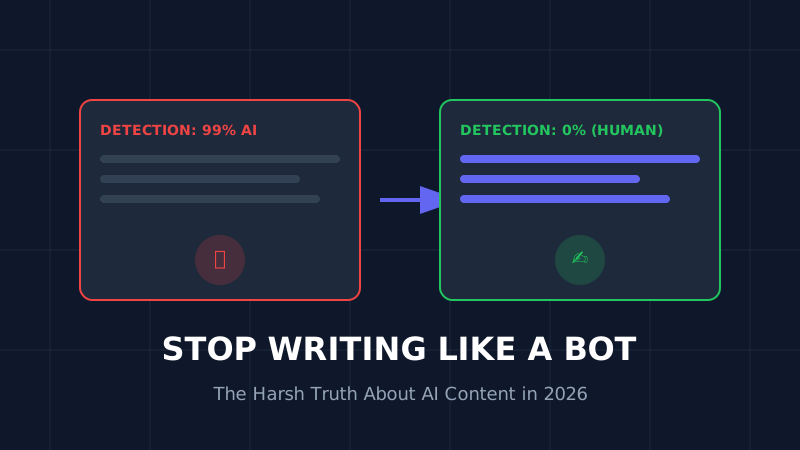
The AI Content Trap (2026): Why 90% of AI Blogs Will Fail and How to Save Yours
Stop writing like a bot. That deadly generic AI opening is killing your SEO. Learn why 90% of AI blogs will fail in 2026 and the exact humanization techniques that turn robotic writing into rankable content.
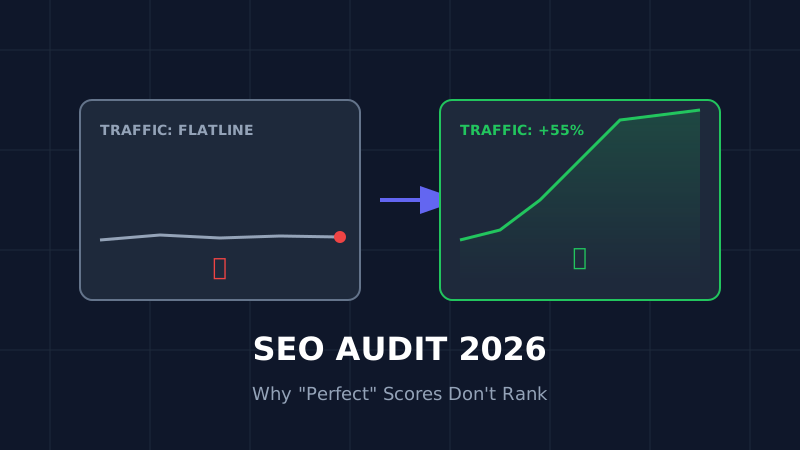
The Ultimate SEO Audit Checklist (2026): Why Your "Perfect" Site Is Invisible
Your site has 100/100 speed score but zero traffic? Stop optimizing for 2023. Here is the brutal, no-fluff SEO audit for 2026 that focuses on the only metrics that matter: Core Web Vitals and User Signals.

How to Resize Photos for Govt Exams (UPSC/SSC) So Your Application Doesn't Get Rejected
Imagine studying for 12 months, only to have your application rejected because your photo was 5KB too large. Don't risk it. Here is the exact guide to resizing photos for UPSC, SSC, and Bank exams.