Blur Image Online
Securely redact sensitive information, blur faces, or hide text from screenshots directly in your browser. 100% private.
How to Use This Tool
Select Image
Open a JPG or PNG from your device. It loads instantly with zero upload time.
Draw to Blur
Drag your mouse or finger over the area you want to redact to create a blur box.
Adjust Intensity
Use the slider to increase the blur radius until the text or face is unrecognizable.
Download
Save the redacted image back to your device.
Key Features & Benefits
Zero Uploads
Your image is edited inside your browser memory. We never see your files.
Irreversible Blur
Uses destructive Gaussian blurring that cannot be reverse-engineered by AI.
Multiple Regions
Draw as many blur boxes as you need on a single image.
Adjustable Intensity
Control exactly how blurry the boxes are to match your aesthetic.
Maintains Quality
The unblurred parts of your image retain their original crystal-clear resolution.
Mobile Optimized
Easily drag and resize blur boxes using touch controls on your phone.
Who is this for?
Digital Marketers
Blur out client names and revenue numbers when sharing success dashboards on LinkedIn.
Software Developers
Redact API keys, passwords, and sensitive endpoints before posting screenshots to GitHub.
Journalists
Obscure the faces of sources or bystanders in photos to protect their identity before publication.
Everyday Users
Hide account numbers and balances on financial documents before emailing them to accountants.
Why You Should Redact Sensitive Info Locally
When sharing screenshots of invoices, dashboards, or private chats online, it's critical to redact personal information. However, uploading those screenshots to a remote server to blur them defeats the entire purpose of privacy.
The Danger of Server-Side Processing
If you upload a bank statement to a free online photo editor, that file sits on their server. You are relying on their privacy policy and security infrastructure. If they get hacked, your unredacted financial data could be exposed. Our tool executes the blur algorithm entirely within your browser's RAM. The original file is never transmitted across the internet.
Irreversible Data Destruction
Our blur algorithm uses a Gaussian average that mathematically scrambles the pixel data. Unlike simple pixelation—which can sometimes be reversed by AI tools if the font is known—a high-radius Gaussian blur permanently destroys the edge contrast needed to recover the underlying text. Once you download the blurred image, the original data is completely gone.
Frequently Asked Questions
No, your photos never leave your device. The blurring process happens entirely client-side using your browser's local resources and WebAssembly (Wasm) for 100% privacy.
Yes, our tool provides a precision brush that allows you to selectively blur or pixelate specific sensitive areas like names, numbers, or faces in your screenshots.
Most online tools work by uploading your file to a remote server, processing it there, and sending it back. This creates a 'data trail.' Even if they promise to delete it, you have no way to verify that. Our 'Zero-Server' technology means the image processing code runs locally in your browser. Technically, the image data never leaves the confines of your computer's memory.
No. Our tool creates a mathematical average of pixel data that destroys the original information. Once the image is saved, the original pixel values in the blurred area are replaced. It is a permanent, destructive edit.
Yes. Because we utilize your computer's local hardware (CPU/GPU) via the browser, the performance is tied to your machine's capabilities rather than your internet speed. You can edit high-resolution photos (4K, 8K) without unlimited waiting for uploads.
We prioritize quality preservation. When the browser regenerates the image, it maintains the resolution and color fidelity of the unedited regions. We tune our export settings to the highest quality tier to ensure that your text remains crisp.
Absolutely. The tool is fully responsive and compatible with touch interfaces. You can upload a photo from your camera roll, use your finger to draw the blur area, and save it back to your device instantly.
A blur effect is more subtle and aesthetically pleasing. It maintains the color palette and lighting of the image, making the edit feel less intrusive. For professional presentations or UI mockups, blurring suggests 'this information is not relevant right now' rather than 'CENSORED'.
Related Image & Media Tools
Handpicked utility tools from the same category that you might find useful.
Screenshot to Text (OCR)
Extract text from images using OCR technology
Image Compressor
Compress JPG, PNG & WebP images up to 80% without losing quality
Image Resizer
Resize and crop JPG, PNG & WebP images to exact pixel dimensions
Christmas Wishes Image Generator
Create personalized Christmas wishes images for free
Instagram Post Resizer
Resize images to Instagram square post size (1080x1080) instantly.
Instagram Story Resizer
Resize images to Instagram story dimensions (1080x1920) instantly.
Related Articles
Insights and guides to help you make the most of our tools.
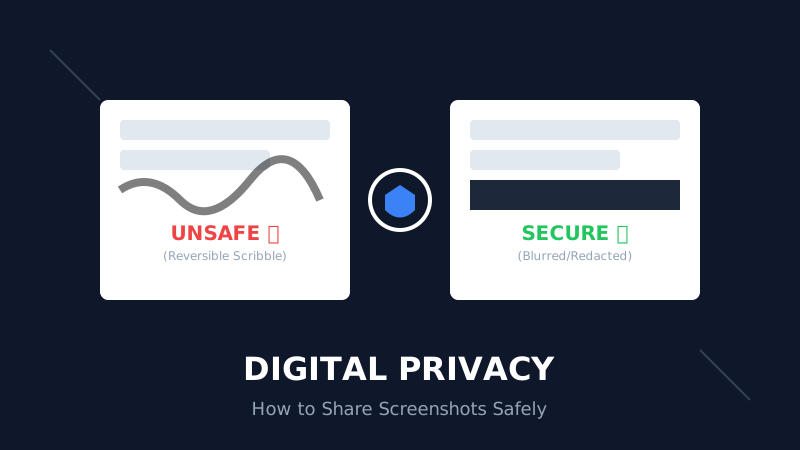
The Digital Privacy Handbook: How to Safely Share Screenshots Without Leaking Personal Data
That 'swirl' you drew over your bank details? It's not hiding anything. Learn why standard markup tools fail and how to properly redact sensitive info before sharing online.
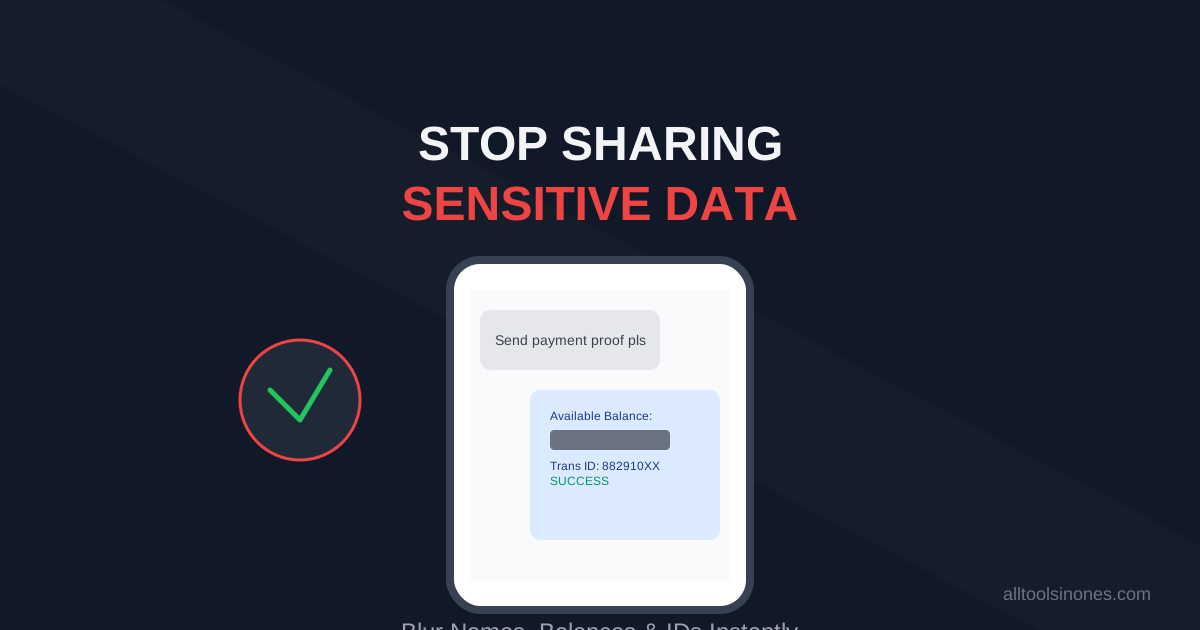
How to Blur Text in Screenshots Before Sharing (Stop Leaking Your Data)
Sending a payment screenshot or an email thread? Stop! You might be exposing your bank balance, address, or passwords. Learn how to securely blur text in images online in 5 seconds.
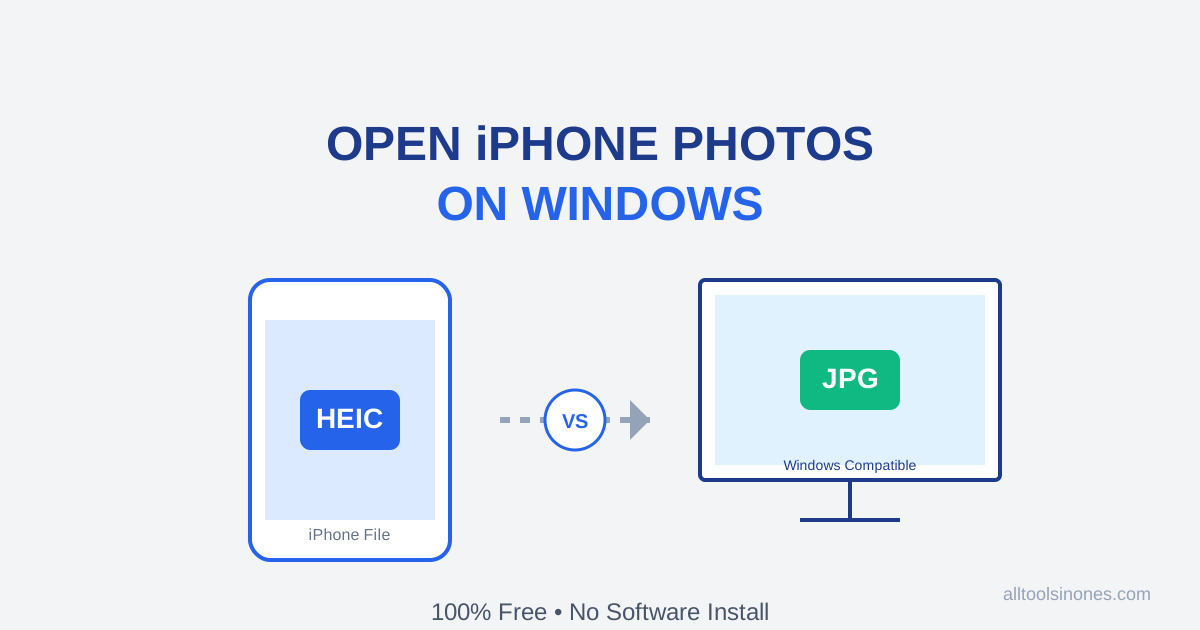
How to Open iPhone Photos (HEIC) on Windows 10/11 for Free (Don't Buy the $0.99 Extension)
Transferred photos from iPhone to PC and can't open them? Windows wants you to pay $0.99 for a HEIC codec. Don't do it. Here is the fast, free, and secure way to convert HEIC to JPG instantly.