RGB to HEX Converter for CSS
Convert RGB color values to HEX codes for CSS styling
Why Use HEX in CSS?
- ✅ Shorter Code: #FFF vs rgb(255,255,255)
- ✅ Universal Support: Works in all browsers
- ✅ Easy to Copy: Simple 6-character code
- ✅ Industry Standard: Most designers use HEX
Common Color Conversions
Understanding RGB to HEX Conversion
RGB (Red, Green, Blue) uses decimal values (0-255) for each color channel. HEX uses hexadecimal notation (00-FF) for the same values.
Conversion Process
- Convert each RGB value (0-255) to hexadecimal (00-FF)
- Combine in order: #RRGGBB
- Example: rgb(255, 128, 0) → #FF8000
Color Format Comparison
- HEX: #FF5733 (6 characters, compact)
- RGB: rgb(255, 87, 51) (longer, more readable)
- RGBA: rgba(255, 87, 51, 0.8) (includes transparency)
- HSL: hsl(9, 100%, 60%) (hue, saturation, lightness)
When to Use Each Format
- HEX: Static colors in CSS, design systems
- RGB: When manipulating colors with JavaScript
- RGBA: When you need transparency/opacity
- HSL: When adjusting brightness or saturation
💡 Pro Tip:
Use HEX for solid colors in CSS files, and RGBA when you need to add opacity. Modern CSS also supports 8-digit HEX (#RRGGBBAA) for transparency!
Shorthand HEX Codes
When both digits of each color channel are the same, you can use shorthand:
- #FFFFFF → #FFF (white)
- #000000 → #000 (black)
- #FF0000 → #F00 (red)
- #00FF00 → #0F0 (green)
Related Conversion & Utility Tools
Handpicked utility tools from the same category that you might find useful.
Image to PDF Converter
Convert images to PDF documents
PDF to Image Converter
Convert PDF pages to image files
Convert Case Online
Instantly convert text case: Uppercase, Lowercase, Title Case & more.
JPG to PNG Converter
Convert JPG to PNG transparent format instantly
PNG to JPG Converter
Convert PNG to JPG format instantly for smaller file sizes
PDF Compressor
Compress PDF files online for free. Reduce PDF size significantly
Related Articles
Insights and guides to help you make the most of our tools.
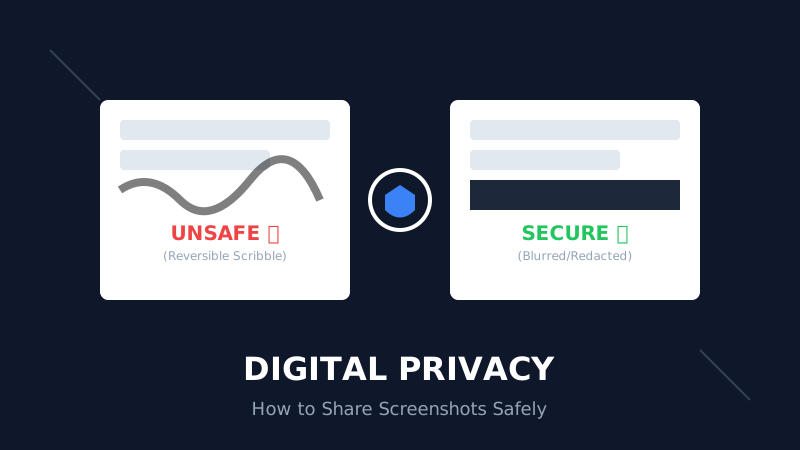
The Digital Privacy Handbook: How to Safely Share Screenshots Without Leaking Personal Data
That 'swirl' you drew over your bank details? It's not hiding anything. Learn why standard markup tools fail and how to properly redact sensitive info before sharing online.
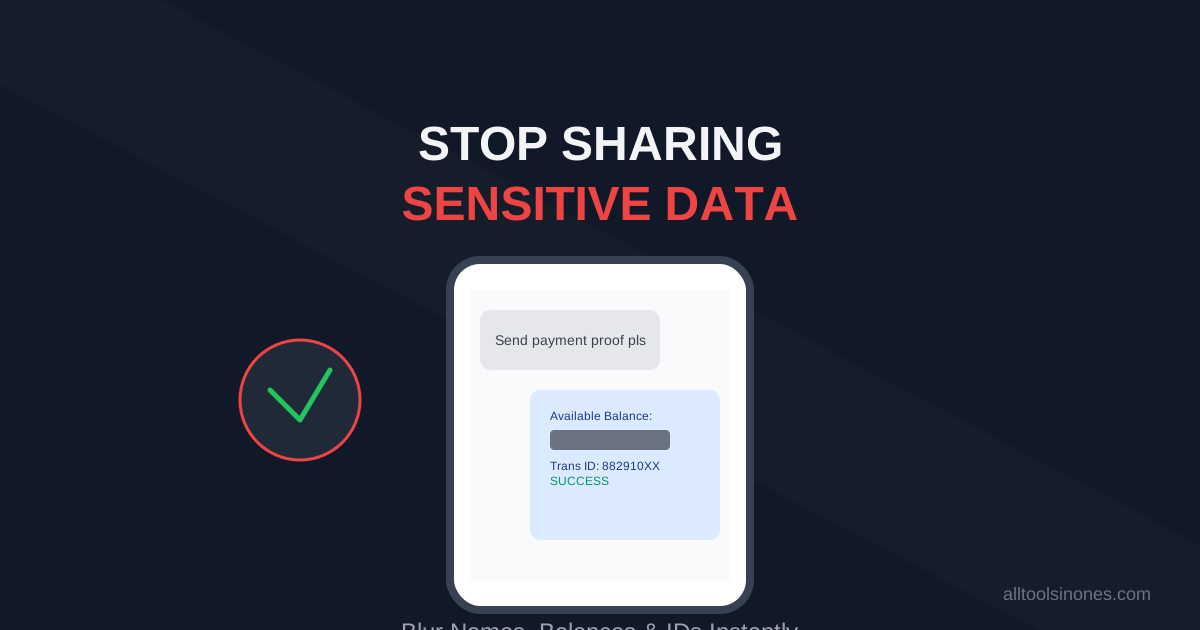
How to Blur Text in Screenshots Before Sharing (Stop Leaking Your Data)
Sending a payment screenshot or an email thread? Stop! You might be exposing your bank balance, address, or passwords. Learn how to securely blur text in images online in 5 seconds.
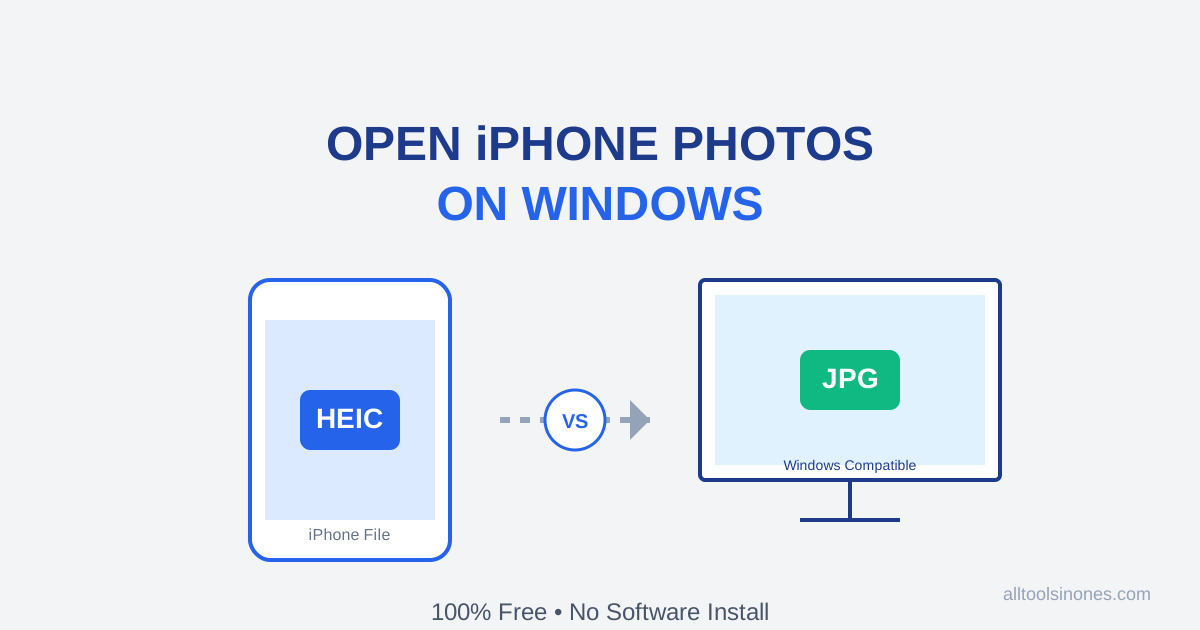
How to Open iPhone Photos (HEIC) on Windows 10/11 for Free (Don't Buy the $0.99 Extension)
Transferred photos from iPhone to PC and can't open them? Windows wants you to pay $0.99 for a HEIC codec. Don't do it. Here is the fast, free, and secure way to convert HEIC to JPG instantly.