LinkedIn Banner Resizer
Upload an image to crop, resize, and optimize pixel dimensions.
Select Image to Resize
JPG, PNG, WebP supported.
LinkedIn Banner Best Practices for Professionals
- 💼First Impression: Your banner is seen by 100% of profile visitors
- 🎯Branding Space: 1584×396 pixels of prime real estate for your personal brand
- 📱Mobile Safe Zone: Keep key elements in center 1000×300 pixels
- ⚡Profile Pic Overlap: Bottom left 400×400 area is covered by your photo
Create a Professional LinkedIn Banner That Stands Out
Your LinkedIn background banner is prime real estate for personal branding. Our LinkedIn Banner Resizer automatically formats your image to the perfect 1584 × 396 pixels, ensuring your professional brand shines across all devices.
Why LinkedIn Banner Size Matters
LinkedIn requires background images to be exactly 1584×396 pixels for optimal display. Using the correct size ensures:
- No pixelation or blurriness on desktop and mobile
- Proper alignment with your profile picture
- Professional appearance that builds credibility
- Consistent display across all devices and screen sizes
⚠️ Critical Safe Zone:
Your profile picture covers the bottom-left 400×400 pixel area. Avoid placing important text or logos in this zone!
What Makes a Great LinkedIn Banner?
Effective LinkedIn banners include:
- Your Value Proposition: What you do in 3-5 words
- Professional Imagery: Industry-relevant visuals
- Brand Colors: Consistent with your personal brand
- Contact Info (Optional): Email or website URL
- Clean Design: Not cluttered, easy to read
LinkedIn Banner Ideas by Profession
For Entrepreneurs & Freelancers:
- Showcase your services or products
- Include a clear call-to-action
- Add your website or booking link
For Job Seekers:
- Highlight your expertise and skills
- Use industry-relevant imagery
- Keep it professional and clean
For Corporate Professionals:
- Reflect your company's brand (if appropriate)
- Show your role or department
- Use subtle, professional colors
How to Use This Tool
- Upload your banner design or photo
- Tool automatically sets dimensions to 1584×396
- Position image to avoid profile pic overlap zone
- Download and upload to LinkedIn profile
Common LinkedIn Banner Mistakes
❌ Avoid These Errors:
- Using wrong dimensions (causes stretching or cropping)
- Placing text in the bottom-left corner (covered by profile pic)
- Overly busy designs that distract from your profile
- Low-resolution images that look unprofessional
- Using inappropriate or casual imagery
Optimize Your LinkedIn Profile for Maximum Impact
Your banner works together with other profile elements:
- Banner + Headline: Should tell a cohesive story
- Color Coordination: Match banner colors with profile theme
- Professional Photo: High-quality headshot is essential
- Consistent Branding: Use same colors/fonts across all platforms
✅ Perfect LinkedIn Banner Specs:
1584×396 pixels | 4:1 ratio | JPG or PNG | Under 8MB | Avoid bottom-left 400×400px
When to Update Your LinkedIn Banner
- Starting a new job or business
- Launching a new service or product
- Rebranding your personal brand
- Job hunting (optimize for recruiters)
- At least once per year to stay fresh
Related Image & Media Tools
Handpicked utility tools from the same category that you might find useful.
Screenshot to Text (OCR)
Extract text from images using OCR technology
Image Blur Editor
Blur and redact sensitive information in images
Image Compressor
Compress JPG, PNG & WebP images up to 80% without losing quality
Image Resizer
Resize and crop JPG, PNG & WebP images to exact pixel dimensions
Christmas Wishes Image Generator
Create personalized Christmas wishes images for free
Instagram Post Resizer
Resize images to Instagram square post size (1080x1080) instantly.
Related Articles
Insights and guides to help you make the most of our tools.
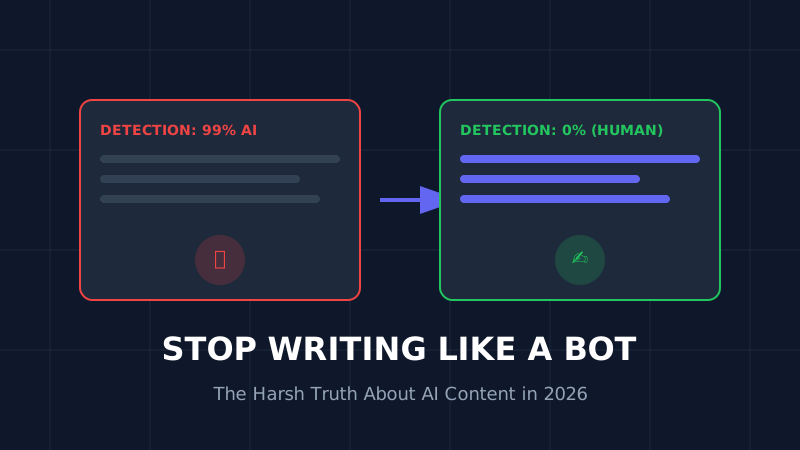
The AI Content Trap (2026): Why 90% of AI Blogs Will Fail and How to Save Yours
Stop writing like a bot. That deadly generic AI opening is killing your SEO. Learn why 90% of AI blogs will fail in 2026 and the exact humanization techniques that turn robotic writing into rankable content.
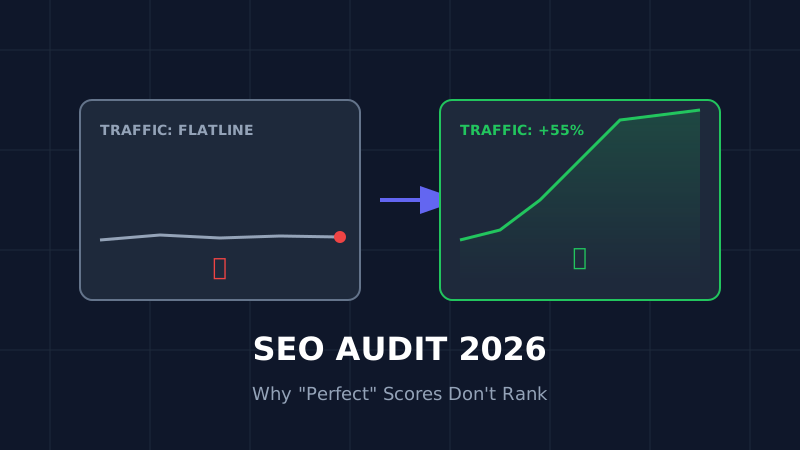
The Ultimate SEO Audit Checklist (2026): Why Your "Perfect" Site Is Invisible
Your site has 100/100 speed score but zero traffic? Stop optimizing for 2023. Here is the brutal, no-fluff SEO audit for 2026 that focuses on the only metrics that matter: Core Web Vitals and User Signals.

How to Resize Photos for Govt Exams (UPSC/SSC) So Your Application Doesn't Get Rejected
Imagine studying for 12 months, only to have your application rejected because your photo was 5KB too large. Don't risk it. Here is the exact guide to resizing photos for UPSC, SSC, and Bank exams.