JSON Minifier
Compress JSON code by removing whitespace and formatting
Why Minify JSON?
- ✅ Reduce File Size: 30-60% smaller files
- ✅ Faster Loading: Less data to transfer over network
- ✅ Save Bandwidth: Lower hosting costs
- ✅ API Performance: Faster API responses
Before Minification (125 bytes)
{
  "name": "John Doe",
  "age": 30,
  "city": "New York"
}
After Minification (48 bytes)
{"name":"John Doe","age":30,"city":"New York"}What is JSON Minification?
JSON minification removes all unnecessary whitespace, line breaks, and indentation from JSON code without changing its structure or data. The minified JSON remains valid and functionally identical.
What Gets Removed
- Spaces between keys and values
- Line breaks and newlines
- Indentation (tabs and spaces)
- Comments (if present, though not standard JSON)
What Stays the Same
- All data values
- Object structure
- Array order
- Data types (strings, numbers, booleans, null)
Common Use Cases
- API Responses: Reduce payload size for faster responses
- Config Files: Minimize production configuration files
- Data Storage: Save storage space in databases
- CDN Delivery: Reduce bandwidth costs
- Mobile Apps: Faster data transfer on slow connections
💡 Development Tip:
Keep formatted JSON during development for readability. Minify only for production to optimize performance!
Minify vs Beautify
- Minify: Remove formatting for production (smaller file)
- Beautify: Add formatting for development (readable)
Performance Impact
For a 100KB JSON file:
- Formatted: 100KB (readable, slow transfer)
- Minified: 40-70KB (compact, fast transfer)
- Gzipped + Minified: 10-20KB (best performance)
✅ Best Practice:
Always minify JSON in production environments. Combine with gzip compression for maximum file size reduction!
When NOT to Minify
- During development and debugging
- When human readability is required
- For documentation or examples
- In version control (use formatted for diffs)
Related Conversion & Utility Tools
Handpicked utility tools from the same category that you might find useful.
Image to PDF Converter
Convert images to PDF documents
PDF to Image Converter
Convert PDF pages to image files
Convert Case Online
Instantly convert text case: Uppercase, Lowercase, Title Case & more.
JPG to PNG Converter
Convert JPG to PNG transparent format instantly
PNG to JPG Converter
Convert PNG to JPG format instantly for smaller file sizes
PDF Compressor
Compress PDF files online for free. Reduce PDF size significantly
Related Articles
Insights and guides to help you make the most of our tools.
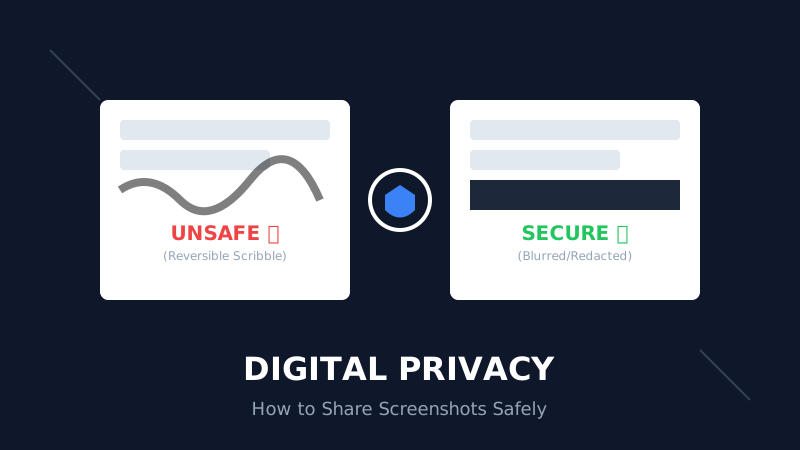
The Digital Privacy Handbook: How to Safely Share Screenshots Without Leaking Personal Data
That 'swirl' you drew over your bank details? It's not hiding anything. Learn why standard markup tools fail and how to properly redact sensitive info before sharing online.
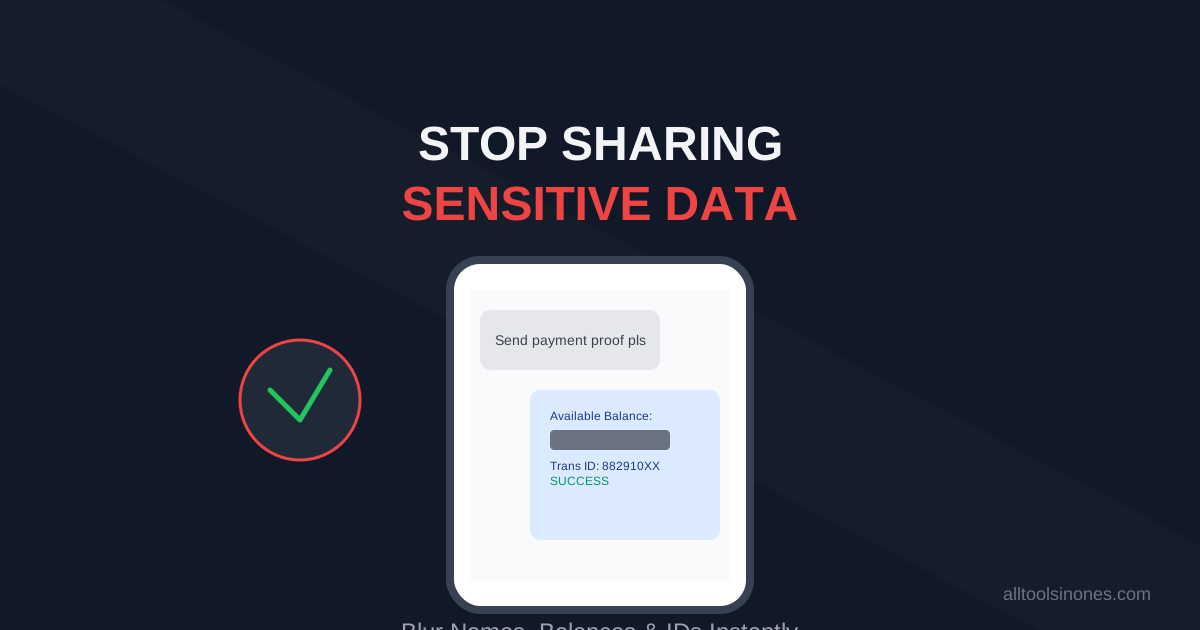
How to Blur Text in Screenshots Before Sharing (Stop Leaking Your Data)
Sending a payment screenshot or an email thread? Stop! You might be exposing your bank balance, address, or passwords. Learn how to securely blur text in images online in 5 seconds.
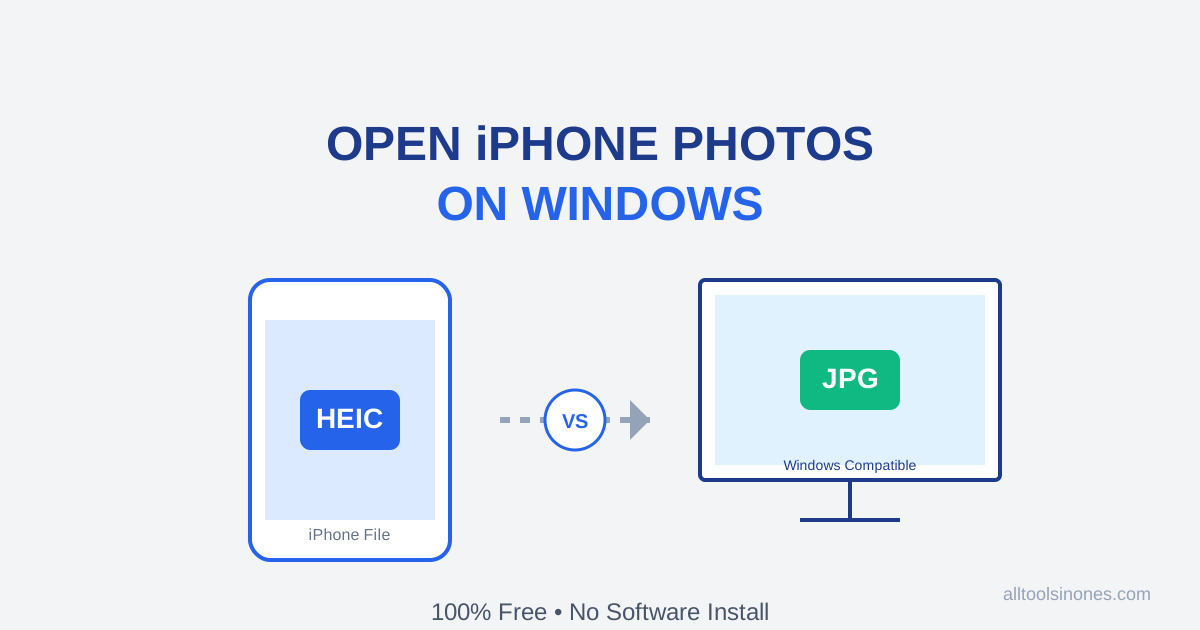
How to Open iPhone Photos (HEIC) on Windows 10/11 for Free (Don't Buy the $0.99 Extension)
Transferred photos from iPhone to PC and can't open them? Windows wants you to pay $0.99 for a HEIC codec. Don't do it. Here is the fast, free, and secure way to convert HEIC to JPG instantly.